Physics Handbook1.5
Publisher Description
Featured in Category:
Education > Physics > Lab & Reference Tools
Canada (#4)
Education > Physics > Lab & Reference Tools > See All
Canada (#4)
United States (#6)
Education > Science Discovery > Physics > See All
Australia (#19)
New Zealand (#19)
Quick Links > Science Discovery > Physics > See All
Australia (#19)
New Zealand (#19)
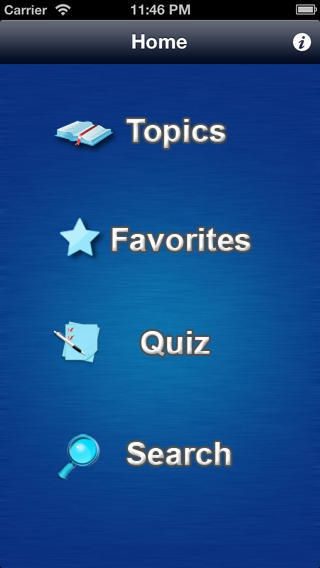
Physics Handbook is a unique app that covers almost all general topics of Physics. You can bookmark any topic you like while browsing, or you can search for any thing you're specifically looking for. The main topics covered in this app are:
General Physics:
-Measurement of Physical Quantities
-Speed, Velocity and Acceleration
-Forces
-Scalars and vectors
-Mass, Weight and Density
-Turning Effect of Forces
-Work, Energy and Power
-Pressure
Thermal Physics:
-Measurement of Temperature
-Kinetic Theory of Matter
-Heat Capacity
-Melting and Boiling
-Transfer of Thermal Energy
Properties of Waves:
-General Wave properties
-Properties of Light Wave
-Properties of Sound Waves
-Lenses
Electricity and magnetism:
-Static Electricity
-Current
-DC circuits
-Magnetism
-Electromagnetic effects
-Introductory electronics
Atomic Physics:
-Radioactivity
-Nuclear atom
Requires iOS 4.3 or later. Compatible with iPhone, iPad, and iPod touch.
About Physics Handbook
The company that develops Physics Handbook is SOFTACK LLC. The latest version released by its developer is 1.5.
To install Physics Handbook on your iOS device, just click the green Continue To App button above to start the installation process. The app is listed on our website since 2011-04-03 and was downloaded 4 times. We have already checked if the download link is safe, however for your own protection we recommend that you scan the downloaded app with your antivirus. Your antivirus may detect the Physics Handbook as malware if the download link is broken.
How to install Physics Handbook on your iOS device:
- Click on the Continue To App button on our website. This will redirect you to the App Store.
- Once the Physics Handbook is shown in the iTunes listing of your iOS device, you can start its download and installation. Tap on the GET button to the right of the app to start downloading it.
- If you are not logged-in the iOS appstore app, you'll be prompted for your your Apple ID and/or password.
- After Physics Handbook is downloaded, you'll see an INSTALL button to the right. Tap on it to start the actual installation of the iOS app.
- Once installation is finished you can tap on the OPEN button to start it. Its icon will also be added to your device home screen.
